

A local business competes on a different playing field than a national chain — the goal isn’t to look like everyone else in the category; it’s to look like the one place in the neighborhood people actually remember. That kind of distinctiveness used to require a local designer with a portfolio and a retainer fee.
Now, an AI image generator by Dreamina puts that same custom visual identity within reach of a business owner running a single storefront, no design team required. Dreamina’s advanced image generation capabilities mean a corner bakery or neighborhood repair shop can create visuals that feel as intentional as a much bigger brand’s.
Why generic stock imagery quietly hurts local brands
Stock photography almost always looks slightly off for a local business — polished, anonymous, and clearly shot somewhere else. Customers notice, even subconsciously, when a visual doesn’t match the lived-in feel of an actual neighborhood spot. Custom visuals rooted in the business’s real character close that gap.
Finding the details that make a business distinctly local
Every local business has small, specific details worth building visuals around:
- The exact color of the storefront or signage
- A neighborhood landmark or backdrop nearby
- A quirky detail regulars would recognize immediately
- The general mood of the block — busy and bustling, or quiet and cozy
Translating a business concept into a visual identity
For a brand-new business without existing photos, the process starts with description rather than reference. Write out how you picture the space or the product in as much sensory detail as possible — materials, colors, lighting, atmosphere — and let that description become the seed for the first generated visuals.
A second visual for a different local touchpoint
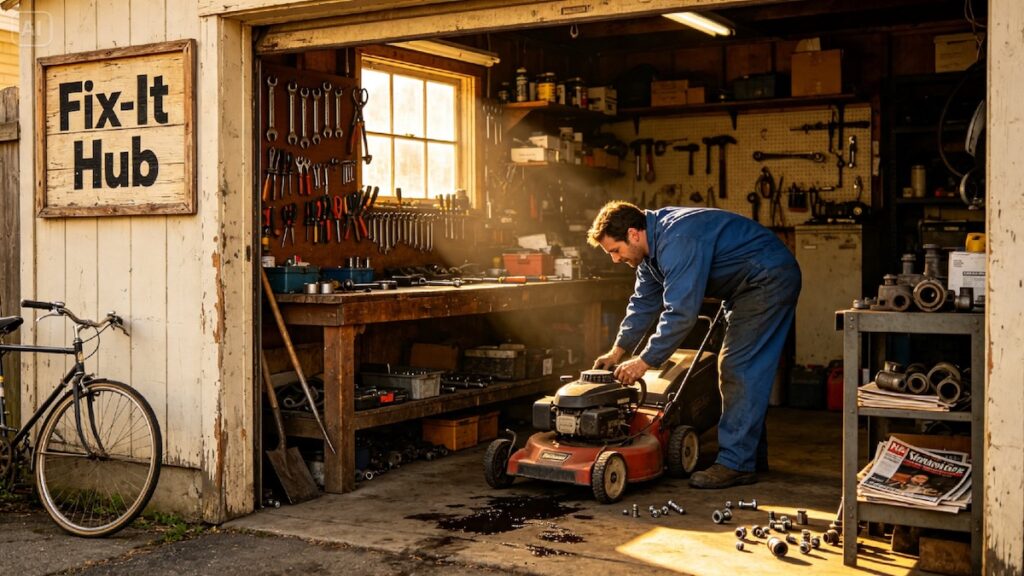
A business needs more than one hero image. Here’s a related prompt, close in mood to the first but built for interior signage rather than the storefront: a hand-painted style illustration of a neighbourhood repair shop, warm wood tones, vintage tool displays, soft golden lighting, nostalgic small-town color palette. The palette and style stay consistent, while the setting shifts to a different part of the business.
Staying authentic instead of aspirational
It can be tempting to generate visuals that make a small shop look like a polished flagship store, but that mismatch shows up the moment a customer walks in and the reality doesn’t match the marketing. Distinctive doesn’t mean idealized — it means true to the actual character of the place.
Where these visuals earn their keep locally
Custom local visuals go further than social media alone:
- Storefront window decals and signage
- Local directory and map listing photos
- Flyers for community boards and events
- Packaging or takeout materials that reflect the neighborhood feel
Generating the visuals with Dreamina
Step 1: Write a text prompt
Open Dreamina and describe the specific local details that make the business distinct — the exterior, the materials, the lighting, the mood of the neighborhood.
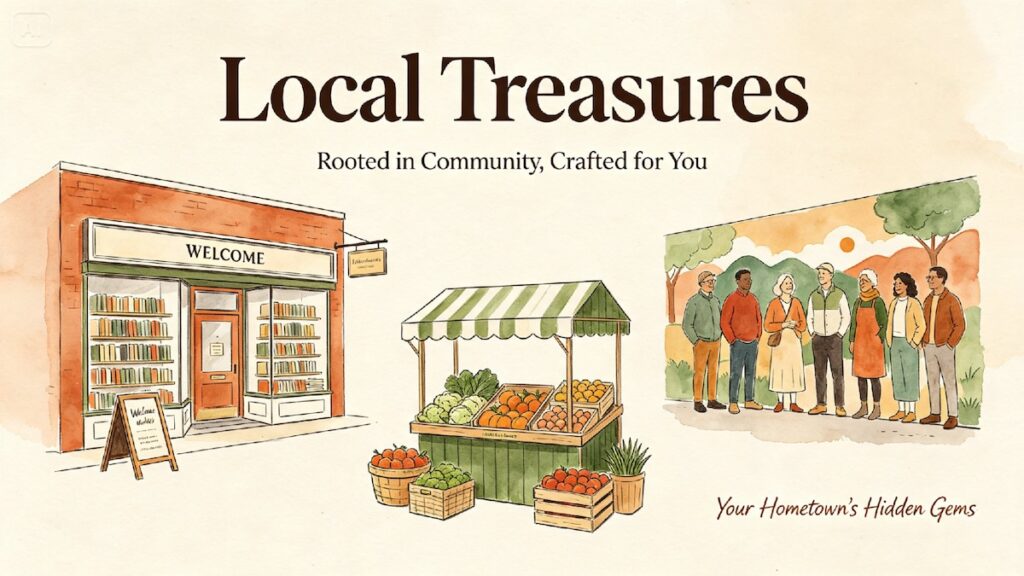
For the hardware store example, a prompt like: A hand-painted style illustration of a small corner hardware store storefront, warm brick exterior, vintage striped awning, string lights, early evening glow, nostalgic small-town color palette
If actual photos of the storefront exist, upload one as a reference image to ground the generated visual in reality.
Step 2: Adjust parameters and generate
Set the model to Image 5.0 Pro by Seedream 5.0 Pro for dependable detail and mood accuracy. Choose an aspect ratio suited to where the image will be used — landscape for signage, square for social posts — and select 1K for a quick preview or 2K for a version that will be printed or displayed larger. Tap Dreamina’s generate icon to produce the image.
Step 3: Customize and download
Use Dreamina’s editing tools to refine the visual — inpaint to adjust a sign or detail, expand the canvas if more of the scene is needed, remove anything that feels off, and retouch lighting for a cohesive finish. Once it’s ready, click download to save the final image.
Dreamina as a creative tool with multiple image generation models
Local brand visuals often call for a specific, slightly nostalgic or hand-crafted feel, and having a choice of models makes it easier to land on the right one. Seedream 5.0 Pro, Dreamina’s newest and most capable model, handles detailed, atmospheric scenes with strong consistency, making it a reliable starting point for storefront and interior visuals like the hardware store example.
Nano Banana brings a softer, more illustrative quality that can suit brands wanting a distinctly hand-painted or storybook feel rather than a photorealistic look. GPT Image 2 offers a further option for comparing a different interpretation of the same local scene. Testing a prompt across these models is a fast way to find the exact character that fits a specific neighborhood business.
Keeping visuals consistent as the business grows
If a single local shop eventually opens a second location, it’s worth locking in the visual style established early on — same palette, same illustration approach — so new locations feel like an extension of the original rather than a completely different brand.
Common missteps to watch for
- Leaning too heavily on generic small-town clichés instead of real details
- Losing the specific character that makes the business recognizable
- Overpolishing visuals until they no longer match the real space
- Neglecting to update visuals if the storefront or space changes
Conclusion
A local business’s visual identity should feel like it could only belong to that one specific place. With a focus on real, specific details and Dreamina turning those details into consistent, distinctive imagery, even a single-location shop can build a visual presence that rivals brands with far bigger marketing budgets.